
WinRushGo Casino Registration with Email, Google or Twitch
Creating a profile at WinRushGo Casino does not involve filling out a lengthy form. New users can enter their email address and a password or sign up through Google or Twitch. However, the method chosen also affects future sign-ins and access recovery, so it is worth deciding which option is most convenient from the start.
Contact details must be confirmed after signing up, while identity verification is handled separately before the first withdrawal. The process can be completed on a computer or smartphone, with no additional software needed.
How to Register
WinRushGo Casino Registration takes just a few minutes and involves three steps:
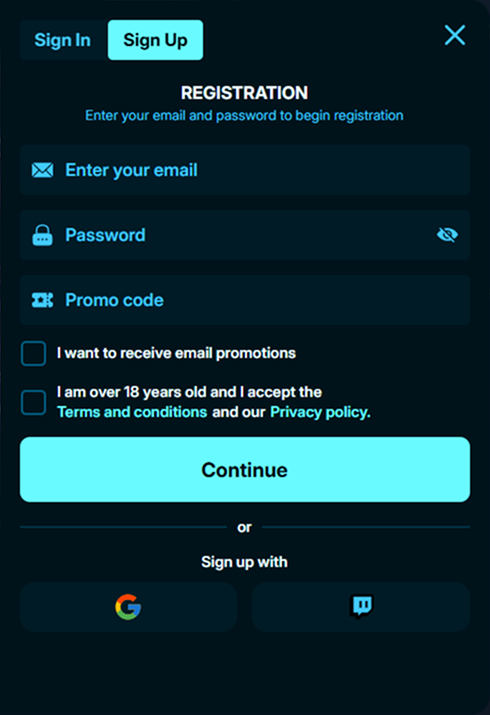
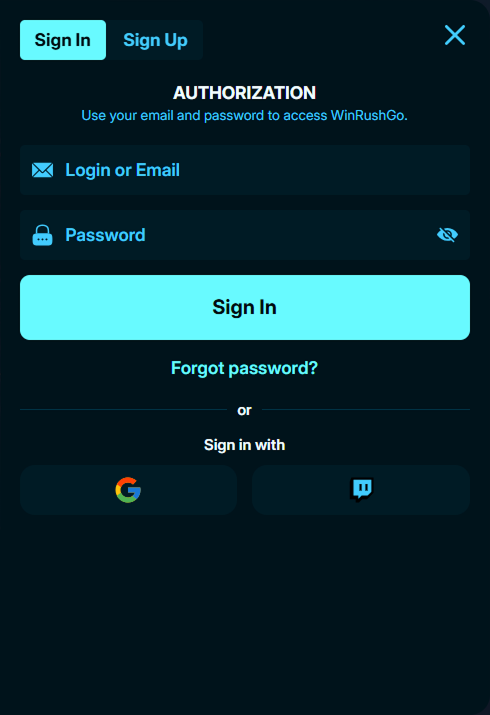
- Open the Sign Up form. Enter a valid email address and create a password, or choose Google or Twitch authentication.
- Accept the terms. Read the User Agreement and Privacy Policy, then confirm your consent.
- Verify your email address. Follow the link in the confirmation message.
The standard form contains two main fields: Email and Password. Personal details such as a full name or residential address are not requested at this stage. Signing up with a phone number is not among the available options.
If the confirmation message does not arrive, check the spam folder first. You can then request another copy or contact support if necessary.
Interface Languages and Account Currency
The website is available in English, Greek and Portuguese. English-speaking users across Europe can access the registration form and personal dashboard in English.
Welcome amounts, betting limits and other financial figures are displayed in euros. If the sign-up process includes a country or currency selection, the correct details should be entered before completing it.
It has not been confirmed whether members can change their currency independently after registration. Any necessary adjustments should be discussed with customer support.
Personal Details and KYC Verification
Confirming an email address and completing identity checks are two different procedures. The first establishes ownership of the contact details, while the second allows the operator to verify the identity of the registered user before releasing funds.
KYC may require the following documents:
- A passport, national ID card or another form of identification accepted by the operator.
- Proof of residence, such as a bank statement or utility bill.
- Evidence of ownership of the card or other payment instrument used to fund the account.
In some cases, an additional photograph holding an identity document may be requested. The exact requirements depend on the verification process and are provided in the personal dashboard.
The necessary files must be submitted before the first withdrawal can be processed. If a document is rejected, the reason can be clarified through support before uploading a corrected copy.
First Deposit and Welcome Bonus Activation
Once personal information has been confirmed, newcomers can visit the cashier and choose an introductory package. There are two separate options: a first-deposit promotion and an extended arrangement covering five payments.
| Promotion | Included Benefits | Minimum Deposit |
|---|---|---|
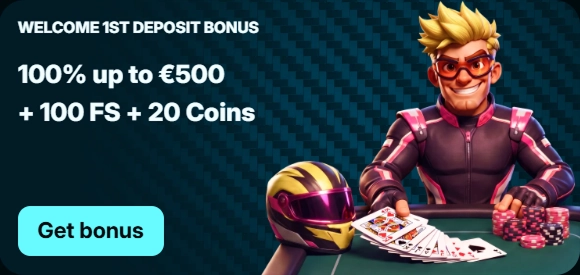
| Welcome 1st Deposit Bonus | 100% up to €500 + 100 FS + 20 Coins | €25 |
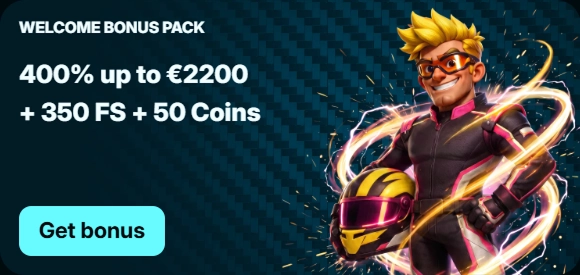
| Welcome Bonus Pack | 400% up to €2,200 + 350 FS + 50 Coins | €25 |
The main difference is how many qualifying payments are needed to receive the full allocation. The standalone promotion applies to the initial deposit, whereas the extended package distributes its benefits across five stages.
Before proceeding, users should select the preferred option and check its conditions. If a promotional code is required, it must be entered in the cashier before completing the transaction. An offer cannot be applied retroactively to a completed payment.
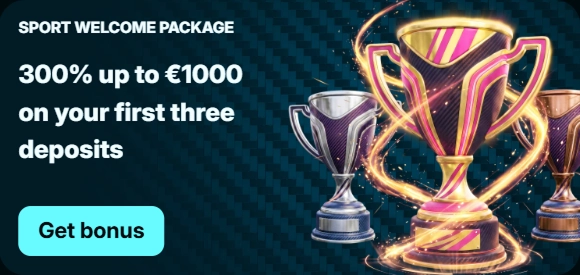
The sportsbook has a separate welcome programme, so its promotions should be considered independently of those available in the casino section.
Signing In and Recovering Access
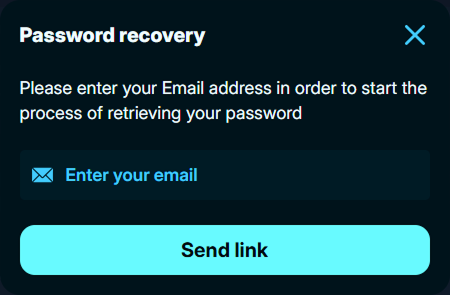
Those who register with an email address and password can sign in using the same credentials. If the password is forgotten, it can be reset through the relevant function on the login page. Recovery instructions are sent to the registered address.
Google and Twitch authentication does not require a separate casino password. To return, members should select the service originally used during registration. If access to that service is lost, recovery must begin through Google or Twitch.
Creating a new profile simply because the previous sign-in method no longer works is not advisable. Automatic merging of profiles associated with the same contact address has not been confirmed. Contacting support is the better approach in this situation.
If access to the registered mailbox is lost, the operator may request additional information to verify ownership.
Registration on a Smartphone
No app installation is needed to sign up on Android or iPhone. The responsive layout works through Safari, Chrome and other modern browsers.
The steps remain the same: complete the form or use a connected service, accept the terms and follow the confirmation link. Once signed in, users can access their dashboard, cashier and document verification section.
For quicker access, a shortcut can be added to the home screen. It functions as a regular bookmark and does not create a separate profile.
Data Protection and Account Restrictions
When signing up by email, using a unique password is recommended. Those who connect through Google or Twitch can configure additional security measures directly within the respective service.
On shared devices, users should sign out after each session and avoid saving their credentials.
Responsible gambling tools are also available. Self-exclusion periods include six months, one year, two years, five years or permanent exclusion. Registration is intended for adults aged 18 and over, subject to any stricter requirements in their country of residence.
General information about the gaming catalogue, sports betting and loyalty programme is available on the main page.